
HubSpot Telegram Integration in 2026
TL;DR
Yes, you can send and receive Telegram messages in HubSpot, but Telegram is not a first-party HubSpot channel. In 2026 the practical routes are third-party Marketplace apps: some connect Telegram bots to HubSpot Inbox, while one listed option also advertises personal-account replies through Telegram Business and requires additional HubSpot and Telegram plan access.
On this page
Can HubSpot send and receive Telegram messages?
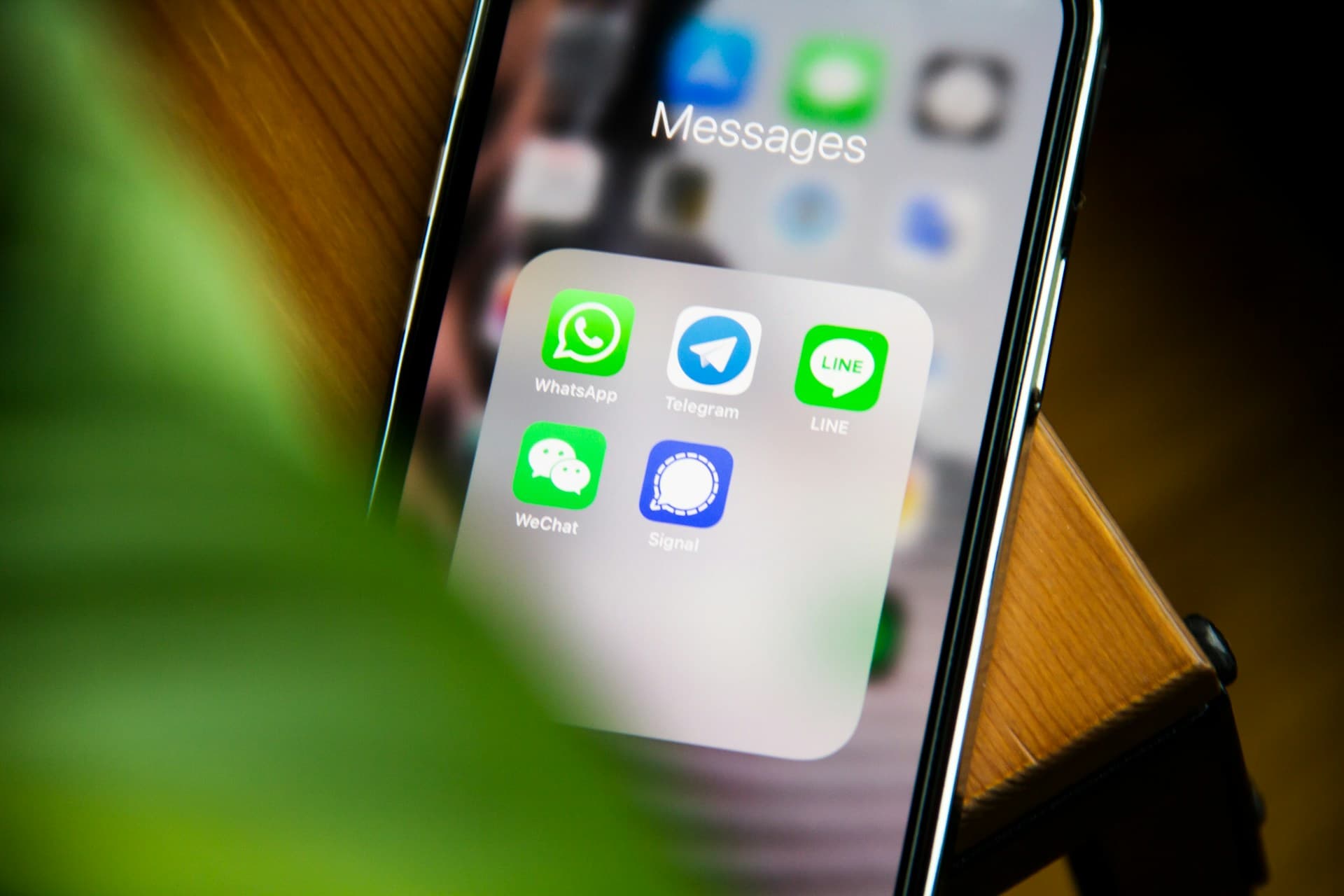
Yes—through third-party apps in the HubSpot Marketplace. HubSpot's own conversations inbox does not list Telegram as a built-in channel. Instead, an app connects Telegram to HubSpot's custom-channel, inbox, workflow, and CRM-card surfaces.
That distinction matters because the word integration covers different account models. Octopods' Telegram listing is centered on Telegram Bot DMs. Resonate's listing describes both bot-based inbox conversations and replies from a personal account through Telegram Business. The latter path also carries plan requirements: the listing says its personal-account workflow needs an Enterprise inbox and Telegram Premium.
So the accurate answer is not simply HubSpot supports Telegram. It is: HubSpot can host Telegram conversations when a Marketplace provider supplies the channel, and what you can see or send depends on that provider, the Telegram account type, and your HubSpot plan.
The two Telegram paths inside HubSpot
The Marketplace options currently resolve into two materially different setups:
- Telegram bot to HubSpot Inbox. A customer messages a bot, the conversation becomes a HubSpot thread, and a rep replies from HubSpot. This is useful for support, qualification, and structured inbound. It does not turn the Telegram account you already use into a CRM record; a bot is a separate participant and generally starts seeing a conversation only after it is added or contacted.
- Telegram Business personal-account connection. Resonate's Marketplace listing says client DMs can land on the HubSpot contact record and replies can send from the connected Telegram account rather than the bot. That is closer to relationship messaging, but it is still a partner-supplied layer with separate HubSpot, Telegram, and vendor requirements.
Before choosing an app, test the exact path you care about: existing DMs, group history, new bot conversations, proactive messages, media, assignment, workflows, and what happens if the partner app is removed. A feature called two-way Telegram may cover only one of those cases.
Why Telegram is an added channel rather than HubSpot’s foundation
HubSpot's history explains the shape. The company launched its free CRM and Sidekick sales platform in 2014, with contact, company, deal, email, call, and sales-activity tracking at the center. It subsequently expanded into a broad customer platform and added more communication channels.
That expansion is real. HubSpot has a first-party WhatsApp Business inbox, social publishing and monitoring, and a large Marketplace for custom channels. But the architectural order is still CRM first, channel added afterward. Telegram arrives through an app that maps a bot or Telegram Business connection into HubSpot's existing inbox, contact, ticket, deal, and workflow surfaces.
That is a strong model when HubSpot is already your operating system. It is less natural when the relationships themselves begin in personal DMs and groups across several messengers and the main problem is that nobody is writing those relationships down.
HubSpot messaging coverage in 2026
The meaningful comparison is not how many channel logos appear on a website. It is who supplies the connection, which account is connected, whether private messages are included, and where the resulting context lives. The table reflects official HubSpot help and Marketplace pages checked September 19, 2026.
| Channel | How HubSpot supports it | Important boundary |
|---|---|---|
| Telegram | Third-party Marketplace apps connect bot conversations; one listing also advertises Telegram Business personal-account replies | Provider, HubSpot plan, Telegram plan, history, group, and outbound behavior vary |
| First-party WhatsApp Business channel for eligible Marketing Hub or Service Hub Professional and Enterprise subscriptions | A business account and Meta setup are required; this is not a personal WhatsApp history import | |
| iMessage | Third-party Marketplace providers such as Sendblue connect dedicated business messaging into CRM records or HubSpot Inbox | Partner service and business lines, not the personal iMessage account already on a user’s devices |
| X | First-party social publishing, comments, mentions, reposts, followers, and monitoring | HubSpot’s 2026 interaction matrix leaves X private messages unsupported |
HubSpot plus integrations vs Pantheon as the CRM
The decision is not old CRM versus new CRM. It is whether messaging should be attached to the system or form the system's foundation.
Pantheon is a first-class CRM today: contacts, companies, deals, notes, conversations, and relationship context live together. Its live channel model starts with the accounts people already use across Telegram, WhatsApp, iMessage, and X/Twitter, then assembles the record underneath. The person remains the record when a conversation moves from a Telegram group to WhatsApp or iMessage.
HubSpot remains much stronger for mature inbound marketing, forms, email nurture, service operations, enterprise reporting, and a large app ecosystem. Pantheon is not pretending to reproduce all of that. It is strongest where HubSpot needs several different channel products or partners to reconstruct a relationship that was messenger-native from the beginning.
| Decision axis | HubSpot + channel apps | Pantheon |
|---|---|---|
| Starting point | CRM suite with channels added through first-party tools and Marketplace apps | Messaging relationships with a complete CRM underneath |
| Telegram | Partner-supplied bot or Telegram Business channel | The Telegram account and conversations the user already works from |
| Cross-channel record | Possible through HubSpot records, but each channel has its own setup and boundary | Telegram, WhatsApp, iMessage, and X/Twitter are designed to resolve into one relationship record |
| Mature automation | Deep workflows, marketing, service, reporting, and integrations | Assisted reply drafting is live; campaigns and deeper automation are still rolling out |
| Product stage | Mature platform | Invite-only alpha |
When extending HubSpot is the right choice
Keep HubSpot and add a Telegram app when your team already runs its pipeline, reporting, marketing, or service operation there—and Telegram is one more controlled business channel. A support bot feeding Help Desk is a particularly clear fit. So is a workflow that sends a defined notification or follow-up while HubSpot remains the source of truth.
Pantheon is probably not the right replacement if the center of your business is HubSpot's marketing automation, attribution, service tickets, and enterprise reporting. In that case, the honest job is to choose a Marketplace provider carefully, document the account and history limitations, and test what happens at plan changes or vendor removal.
When Pantheon is the better starting point
Choose Pantheon when the conversation is already the work: founders selling in DMs, operators building partnerships in groups, agencies whose clients move between apps, or small teams whose CRM goes stale because nobody copies chat context into it.
The current product does not depend on future promises. The CRM, four-channel relationship capture, unified conversation context, and user-invoked assisted reply drafts are live in alpha. Campaigns, scheduled sequences, and deeper configurable automations are the next layer, not features this page claims are finished. That boundary is the point: choose Pantheon for the relationship record it can build today, and treat the automation roadmap as direction rather than a purchase promise.
Sources and freshness
Checked September 19, 2026: HubSpot's CRM launch announcement, HubSpot's WhatsApp channel guide, HubSpot's social interaction matrix, Resonate's Telegram Marketplace listing, Octopods' Telegram Marketplace listing, and Sendblue's iMessage Marketplace listing. Marketplace feature claims belong to the listed app providers; inclusion in the Marketplace is not independent validation by Pantheon.
Frequently asked questions
Does HubSpot have a native Telegram integration?
Not as a first-party HubSpot channel. Telegram integrations are supplied by third-party apps in the HubSpot Marketplace and use HubSpot’s inbox, custom-channel, CRM-card, or workflow surfaces.
Can I reply to Telegram messages from HubSpot?
Yes, with a compatible Marketplace app. Bot-focused apps route Telegram Bot DMs into HubSpot Inbox. Resonate also advertises replies from a personal account through Telegram Business, subject to additional plan requirements.
Can HubSpot import my existing Telegram history?
Do not assume it can. Bot integrations begin with conversations sent to the bot, and partner-specific personal-account support has its own history boundaries. Verify existing DMs, groups, and pre-install history with the provider before buying.
Does HubSpot support WhatsApp natively?
HubSpot has a first-party WhatsApp Business channel for eligible Professional and Enterprise subscriptions. It connects a WhatsApp Business account; it is not the same as importing a user’s existing personal WhatsApp relationship history.
Can HubSpot manage iMessage and X DMs?
iMessage is available through third-party Marketplace providers using business messaging services. HubSpot’s official 2026 social interaction matrix supports X publishing and public interactions but does not list X private messages.
Should I connect Telegram to HubSpot or use Pantheon?
Use HubSpot plus an integration when HubSpot is already your operating system and Telegram is an added business channel. Use Pantheon when Telegram, WhatsApp, iMessage, and X conversations are the relationship record and you want the CRM to assemble around them.
Pantheon is a first-class CRM for the messaging accounts you already use: Telegram, WhatsApp, iMessage, and X/Twitter conversations beside contacts, companies, deals, and notes. The invite-only alpha is open.
Join the AlphaLast updated